Removing The Clutch
Fragment manuala — str. 357
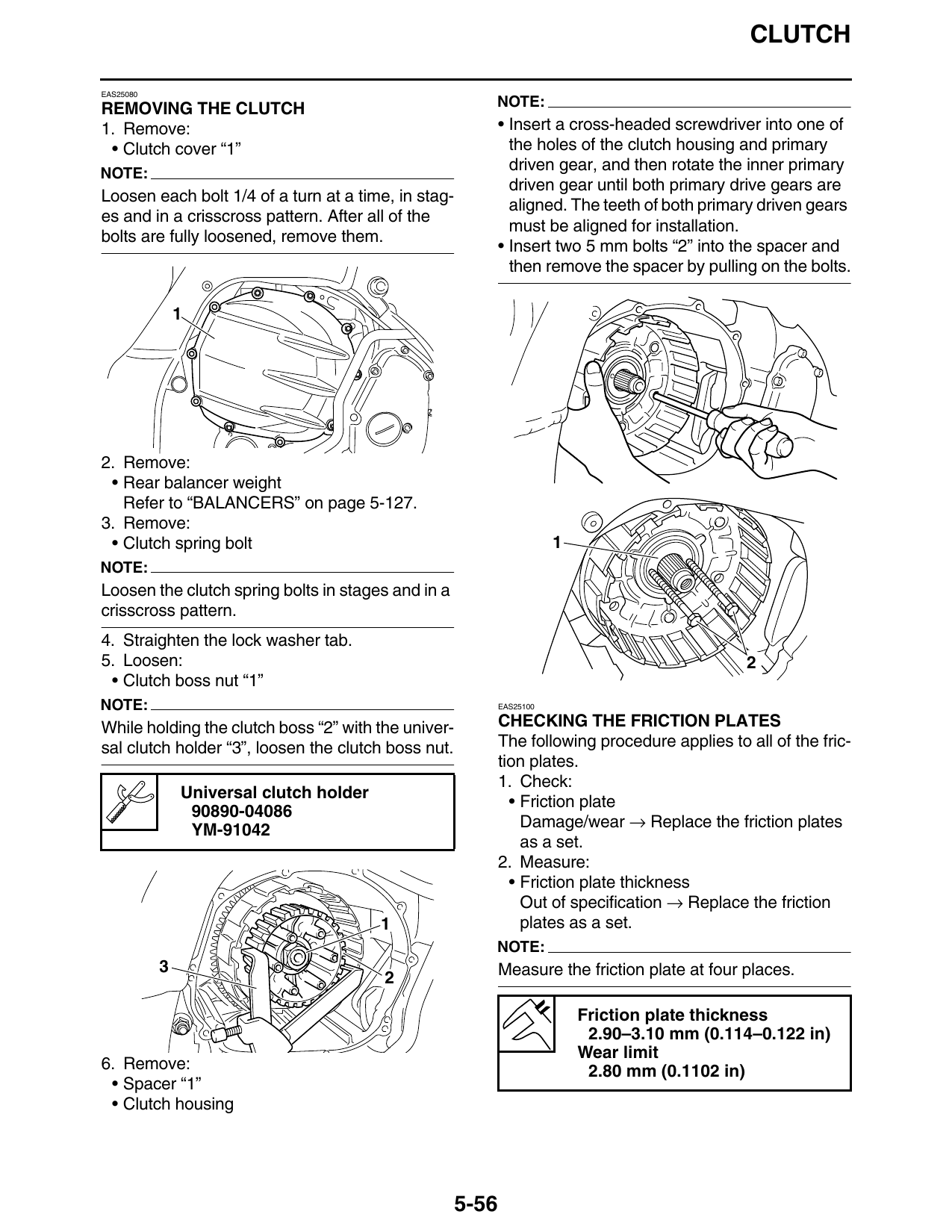
📋 Tekst do skopiowania / wyszukiwania
CLUTCH

EAS25080

REMOVING THE CLUTCH                                     NOTE:
1. Remove:                                                  • Insert a cross-headed screwdriver into one of
 • Clutch cover “1”                                           the holes of the clutch housing and primary
NOTE:
                                                              driven gear, and then rotate the inner primary
                                                              driven gear until both primary drive gears are
Loosen each bolt 1/4 of a turn at a time, in stag-
                                                              aligned. The teeth of both primary driven gears
es and in a crisscross pattern. After all of the
                                                              must be aligned for installation.
bolts are fully loosened, remove them.
                                                            • Insert two 5 mm bolts “2” into the spacer and
                                                              then remove the spacer by pulling on the bolts.

2. Remove:
 • Rear balancer weight
   Refer to “BALANCERS” on page 5-127.
3. Remove:
 • Clutch spring bolt                                                  1
NOTE:
Loosen the clutch spring bolts in stages and in a
crisscross pattern.
4. Straighten the lock washer tab.
5. Loosen:                                                                                     2
 • Clutch boss nut “1”
NOTE:                                                       EAS25100

While holding the clutch boss “2” with the univer-          CHECKING THE FRICTION PLATES
sal clutch holder “3”, loosen the clutch boss nut.          The following procedure applies to all of the fric-
                                                            tion plates.
                                                            1. Check:
               Universal clutch holder
                                                              • Friction plate
                90890-04086
                YM-91042                                        Damage/wear → Replace the friction plates
                                                                as a set.
                                                            2. Measure:
                                                              • Friction plate thickness
                                                                Out of specification → Replace the friction
                                         1                      plates as a set.
                                                        NOTE:
           3                                                Measure the friction plate at four places.

                                                                           Friction plate thickness
                                                                            2.90–3.10 mm (0.114–0.122 in)
                                                                           Wear limit
6. Remove:                                                                  2.80 mm (0.1102 in)
 • Spacer “1”
 • Clutch housing

                                                     5-56